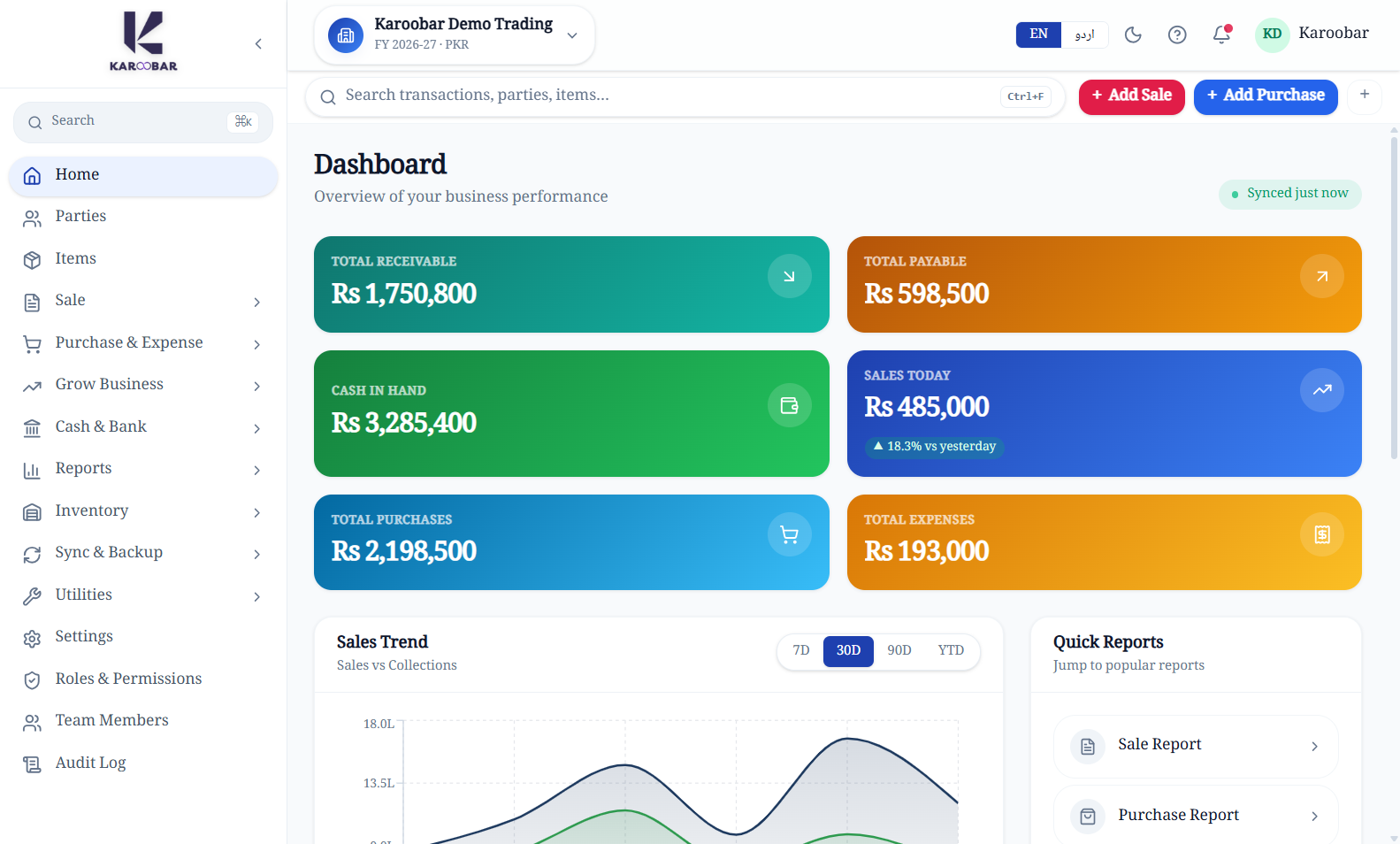
One clear command centre
See the pulse of your business at a glance.
Receivables, payables, cash, sales, purchases, expenses, trends, and recent activity stay together—without spreadsheet stitching.
6 live business indicators
Manage sales, purchases, inventory, parties, accounts, and industry workflows—even when your internet connection is not dependable.
Illustrative demo data. Real Karoobar product screens.
Explore a real Karoobar desktop workspace populated with illustrative business data.
Receivables, payables, cash, sales, purchases, expenses, trends, and recent activity stay together—without spreadsheet stitching.
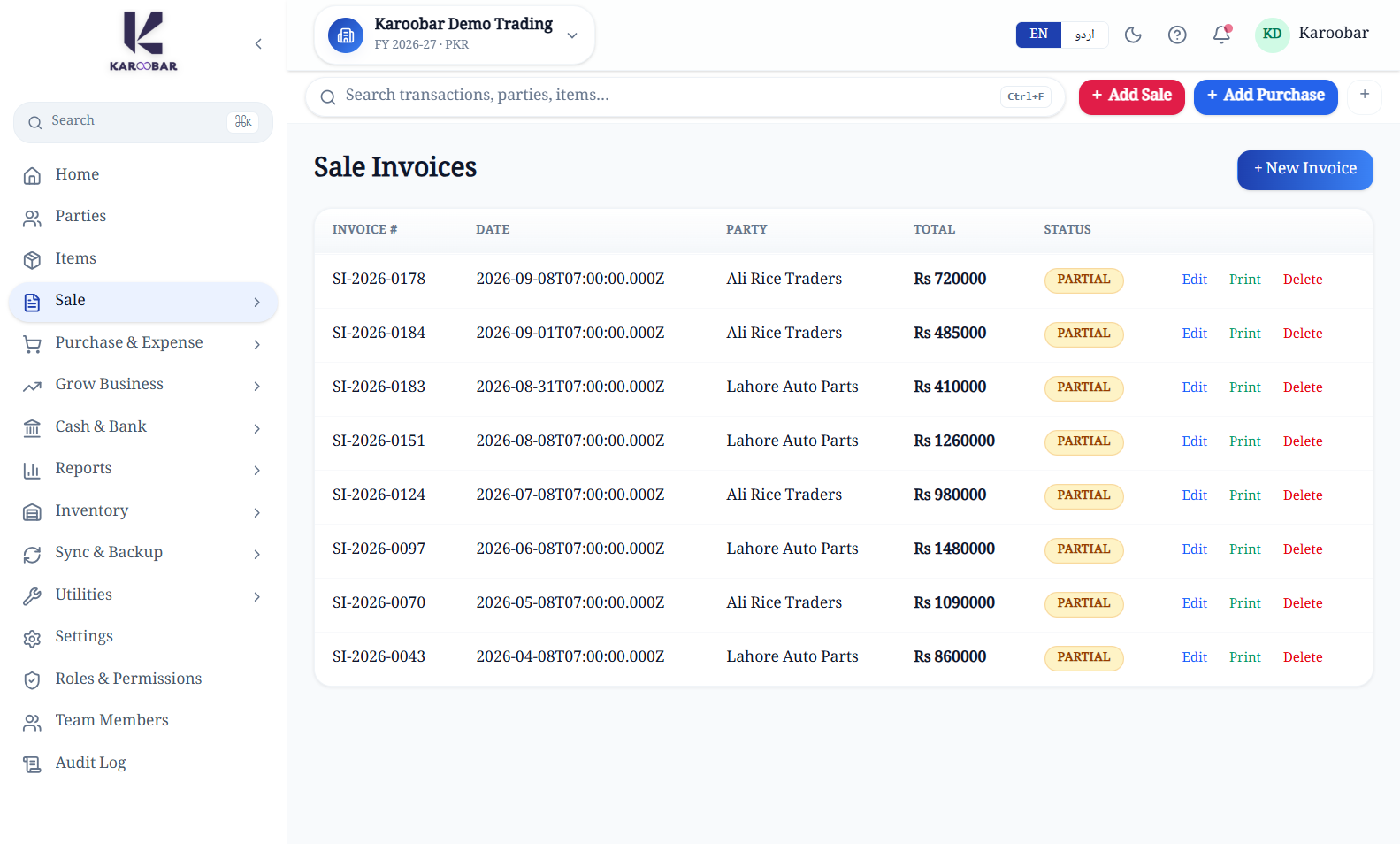
Create daily transactions from a focused workspace while Karoobar keeps the accounting trail connected behind the scenes.
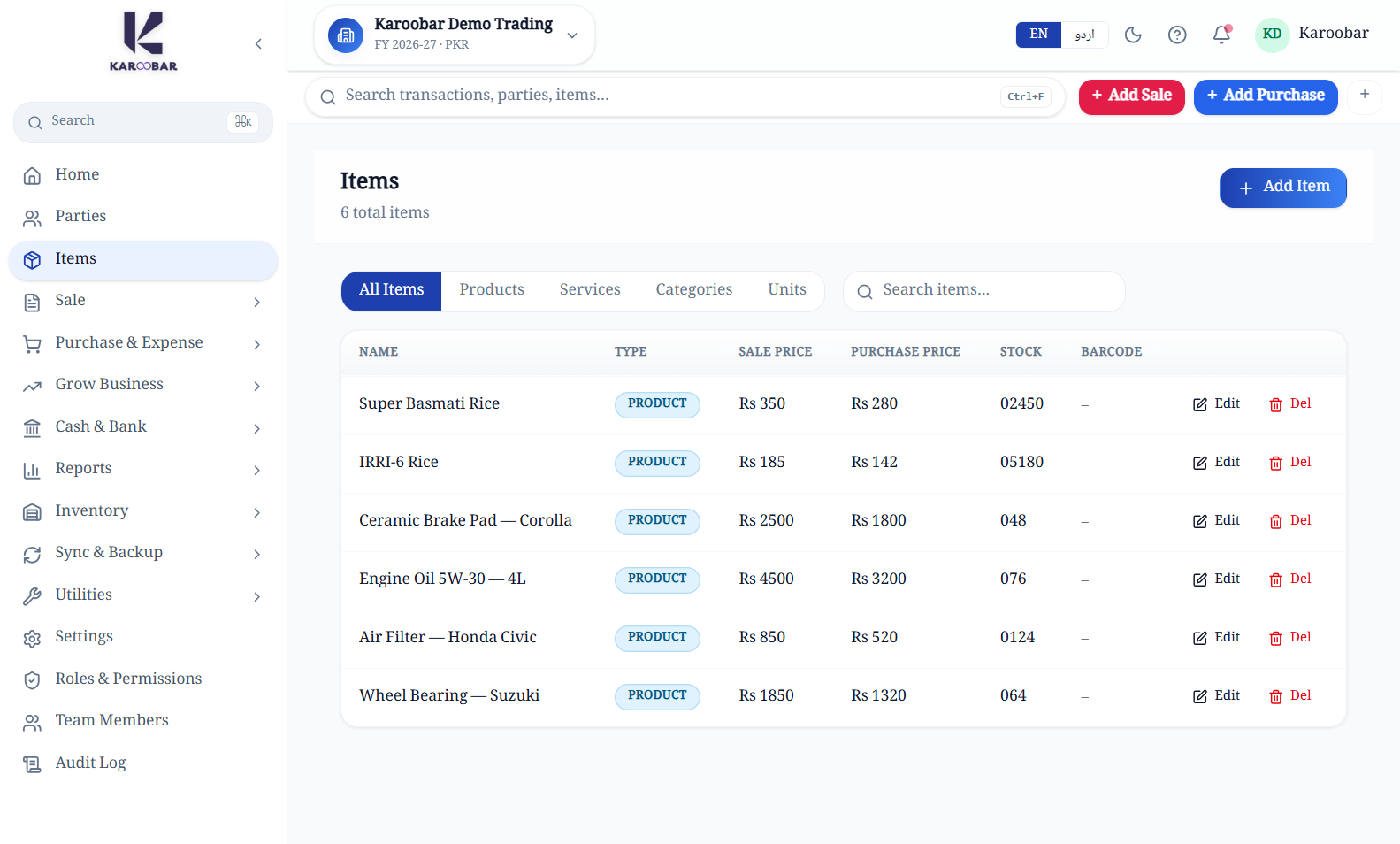
Search a clean item master, compare sale and purchase prices, and see available stock before your team commits an order.
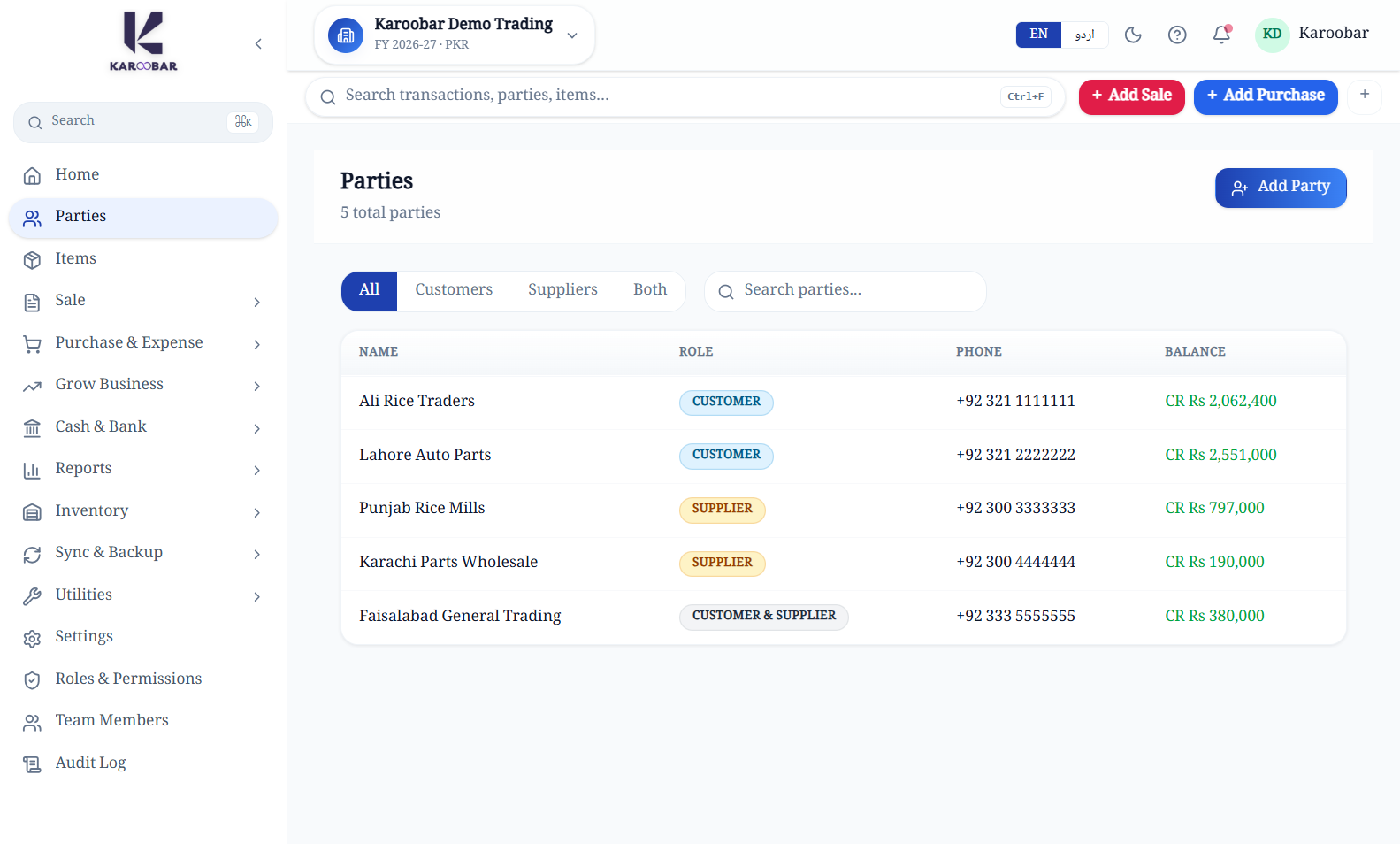
Maintain customer and supplier records in one place, with balances ready for sales, purchasing, receipts, and payments.
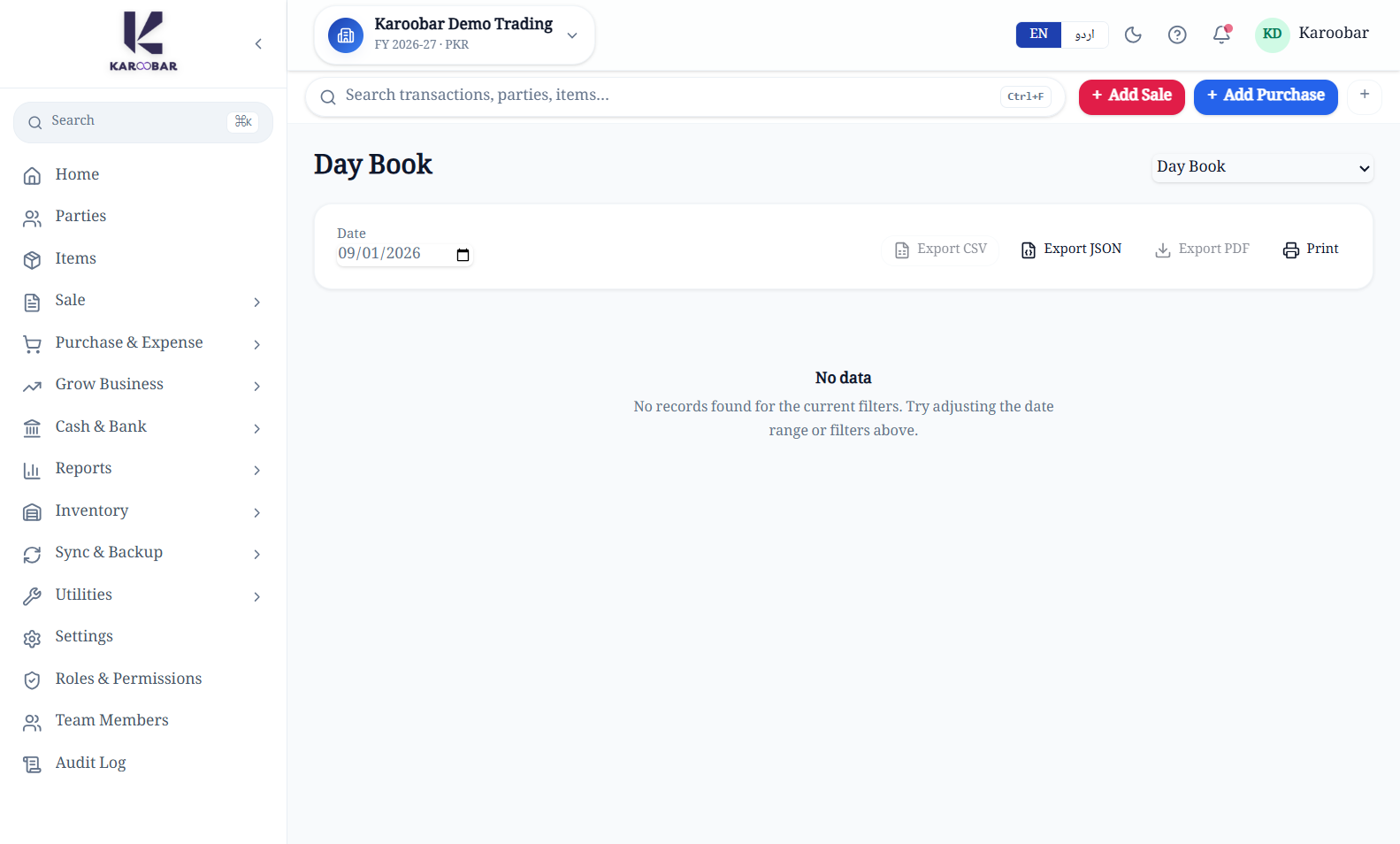
Review day books and financial reports from the same local-first workspace your team uses for everyday operations.
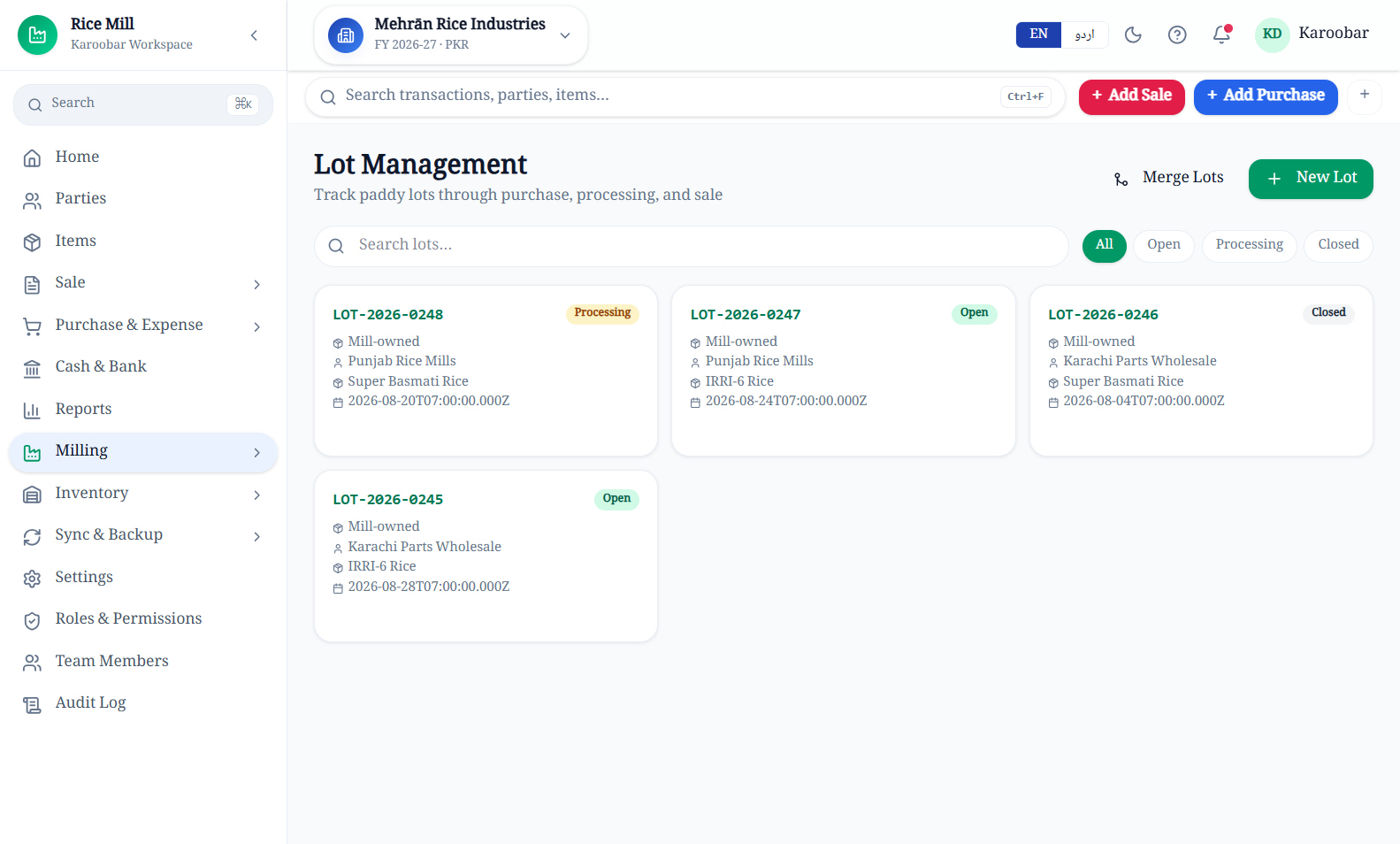
Dedicated lot management gives mill teams clear status, ownership, supplier, variety, and movement context at every stage.
Start with dependable accounting, then add the operational detail your team needs every day.
Track procurement, paddy lots, processing status, yield context, and gate movement in one mill workspace.
Explore solutionControl a complex item catalogue, pricing, stock, parties, and fast-moving counter sales without spreadsheet drift.
Explore solutionConnect inventory, customer and supplier balances, purchasing, sales, cash, and reporting from one source of truth.
Explore solutionKaroobar keeps the everyday workflow connected so your team spends less time reconciling separate files and more time running the business.
See the connected workspace arrow_forwardCapture sales, purchases, receipts, payments, and expenses once.
Keep parties, stock, cash, and accounts aligned as work happens.
Turn daily activity into dashboards, ledgers, and reports.
Work locally through an outage; managed customers can resume approved sync when connectivity returns.
Keep core operations moving when the internet becomes unreliable.
Use PKR-first business flows with connected books and operational reports.
Help shaped around the realities of Pakistani business teams.
Switch language in the workspace for a more familiar staff experience.
Give teams appropriate access and preserve operational accountability.
Paid local plans control local backup. Managed backup and cloud sync activate only through a separate service.
Registration creates a limited local Demo for one company, one owner, and one device. It ends after 14 days or 50 posted sales invoices. Basic, Standard, and Professional plans expand local capacity; cloud sync, managed backup, mobile access, and custom work remain separately scoped.
See exactly what is included arrow_forward14 days or 50 posted sales invoices, one company, one owner, one device, and report preview.
Start DemoUnlimited invoices with plan-based users, devices, companies, reporting, import, and local backup controls.
Compare all plansRegister one company for Demo, verify your account, and use the same credentials when the signed Windows release opens.